
Managed IT Knowledge Hub · Article 3 of 5 · 8 min read
Managed IT Services Cost in Singapore: An Honest Pricing Guide for Businesses
One of the first questions we hear is, "How much do managed IT services cost?" The answer shouldn't be hidden behind a sales call. While pricing depends on your environment and requirements, there are clear factors that determine the cost. Here's how managed IT pricing works in Singapore and what your business should expect.
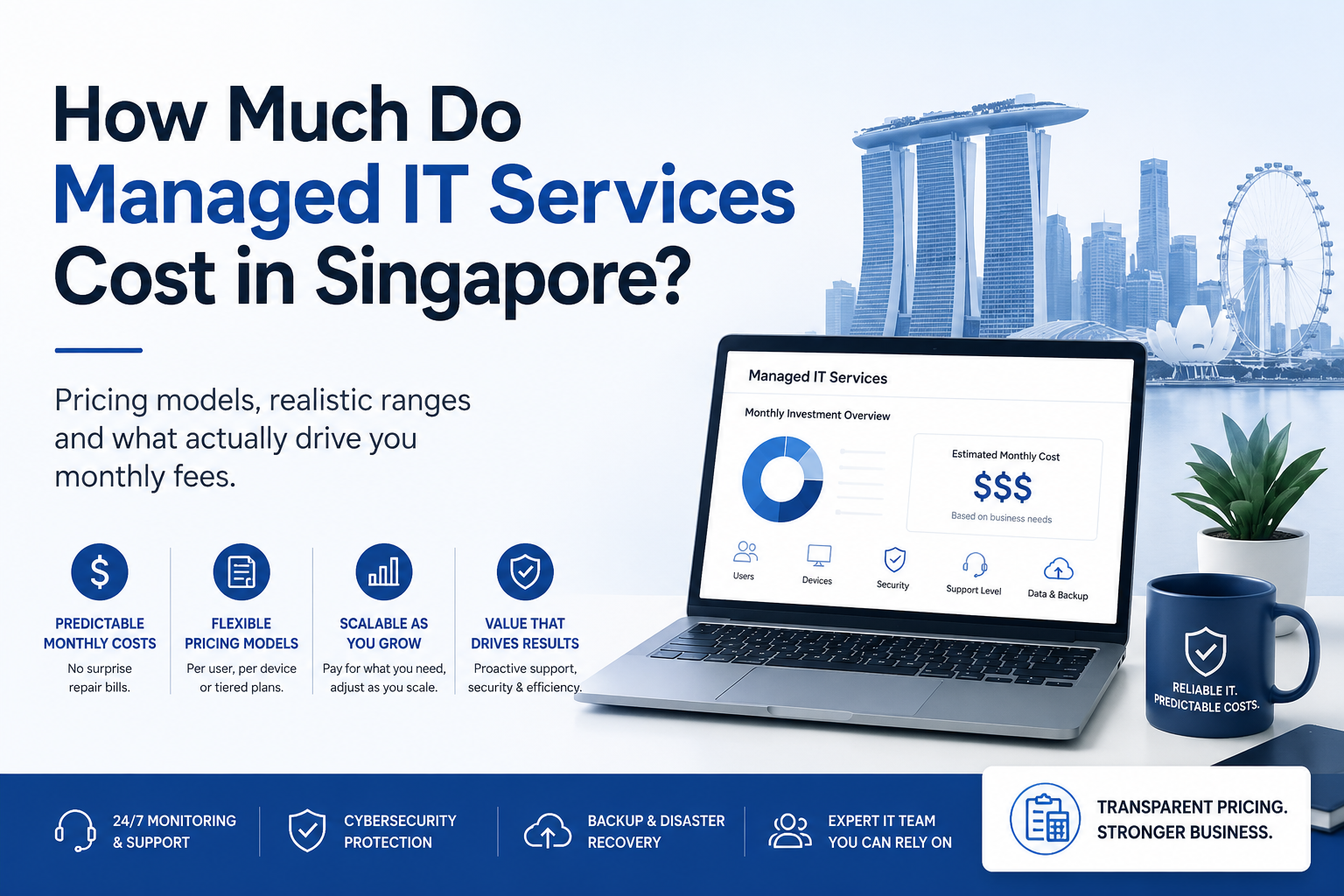
Most managed IT providers in Singapore charge a fixed monthly fee based on the number of users, devices or supported infrastructure. Pricing varies depending on the scope of services, from basic helpdesk support to fully managed IT, cybersecurity, backup and infrastructure management. Rather than paying for unexpected repairs, businesses gain predictable monthly costs and ongoing proactive support.
The biggest difference is the approach. Break-fix IT charges you when something goes wrong, while managed IT services invest in preventing those issues through continuous monitoring, maintenance and support. Understanding this distinction makes it much easier to evaluate pricing and long-term value.
In our experience, most SMEs start with the wrong question. Rather than asking, "How much does managed IT cost?", it's more useful to ask, "What level of IT support does our business need to operate securely and efficiently?" Once that's clear, choosing the right managed IT plan becomes much easier.
Understanding Managed IT Pricing
While every MSP has its own pricing model, most follow a similar structure. Device management forms the foundation, user services are added based on your requirements, and infrastructure support is included if you have on-premises IT. The final monthly cost reflects the scope of services you choose.
Monthly Cost
Start with what you need today. Expand as your business evolves.
Estimate Your Monthly Managed IT Cost
Use the sliders to estimate the level of managed IT support your business may require. This is an indicative estimate only, designed to help you understand how different services affect your monthly investment.
About S$0 per month for your whole team.
Estimated using a typical managed IT pricing model: endpoint services, user services and optional infrastructure management. Your actual monthly investment will depend on your users, devices, infrastructure and the services you require.Get a real quote here.
The Key Factors That Affect Managed IT Costs
1. Users and devices
Managed IT pricing starts with the size and complexity of your environment. More users, devices and locations generally mean more monitoring, maintenance and support, which naturally influences your monthly investment.
2. Scope of services
Not every business needs the same level of support. Managed IT services are designed to scale with your requirements, whether you need essential monitoring or comprehensive management covering cybersecurity, cloud services, infrastructure and strategic IT guidance.
3. Cybersecurity requirements
Cybersecurity is no longer optional. Your security requirements play a significant role in managed IT pricing. Organisations handling sensitive information or subject to compliance requirements typically invest in additional controls to strengthen protection, improve resilience and reduce business risk.
4. Level of support
Not every business needs the same level of support. Basic support costs less, while proactive management, strategic IT planning and complex infrastructure support require a higher level of service and expertise.
Why Managed IT Services Are Priced Monthly
The monthly fee is more than a billing model. It supports the continuous work required to keep your IT environment secure, reliable and up to date. Instead of budgeting for unexpected repairs, emergency callouts or unplanned recovery work, businesses gain a predictable monthly investment backed by ongoing monitoring, maintenance and support.
From a financial perspective, managed IT turns unpredictable operating costs into a planned technology investment. Instead of reacting to unexpected repair bills, businesses gain a predictable monthly cost that's easier to budget, forecast and justify
Managed IT Services vs Hiring Internal IT Staff
As businesses grow, many consider whether to hire an in-house IT engineer or engage a Managed Service Provider (MSP). The decision isn't just about salary. It's about access to skills, coverage, business continuity and the level of support your organisation requires. Compare both approaches below.
| Internal IT Employee | Managed IT Services | |
|---|---|---|
| Monthly cost | Full salary + CPF + tools + training | Predictable service fee, usually lower |
| Expertise | One person's skill set | A team of specialists across security, cloud and networking |
| Cybersecurity depth | Often needs extra training | Dedicated expertise built in |
| Coverage | Office hours; gaps during leave | 24/7 monitoring, flexible support |
| Tooling | Company buys and maintains it | Enterprise tools included |
Managed IT does not always replace internal IT. Many businesses use a co-managed approach, where internal teams continue managing business applications while the MSP provides additional support through monitoring, cybersecurity, maintenance and technical expertise.
What to Consider When Choosing a Managed IT Provider
Price should always be evaluated alongside coverage. A lower monthly fee may look attractive, but it can come with limited monitoring, weaker security controls, untested backups and little proactive planning. The right managed IT partner should reduce risk, not simply provide a cheaper support number.
The lowest IT cost is not always the lowest business cost. A reactive support model may reduce monthly expenses, but a single major outage, security incident or recovery event can quickly change the equation. The real value lies in choosing a partner that helps prevent costly disruptions before they happen.
How ServicePAQ Is Built Around Your IT Needs
ServicePAQ follows the same modular approach described above, allowing businesses to build their managed IT coverage based on their actual requirements. You get the services you need today, with the flexibility to add more as your business grows.
Managed Endpoint Services
Every ServicePAQ deployment starts with endpoint management. A flat monthly rate per device covers continuous monitoring, endpoint protection, ransomware detection, DNS security, managed backup with 50GB per device and remote support.
The investment scales with your environment: the more devices you manage, the broader your coverage.
↓ Add per user
Managed IT Helpdesk & Security Add-ons
The next layer focuses on protecting and supporting your people. A per-user add-on model covers services such as IT helpdesk support, advanced email security, Microsoft 365 and SaaS backup with 60GB per user, dark web monitoring and security awareness training.
Your investment scales with the users requiring these additional services.
↓ Add if you run on-site equipment
Managed On-Premise Infrastructure
For businesses running on-premises infrastructure, this layer provides management for physical servers, FortiGate firewalls, network switches and office Wi-Fi. Pricing is based on the specific assets being managed, so you only pay for the infrastructure your business actually uses.
Your cost depends on the specific infrastructure components requiring management.
Every business has a different IT environment, which is why pricing depends on your device count, users and selected service modules. We provide a free assessment to understand your requirements and give you a clear recommendation with an accurate cost estimate.
Finding the Right Level of Managed IT Support
Answer four quick questions to find a recommended ServicePAQ starting point. This is a guide only to help you understand your IT needs. Nothing is submitted and there is no obligation.
1. How many people depend on your IT systems?
2. What type of IT environment do you operate?
3. What is your biggest IT challenge today?
4. Does your business handle sensitive or regulated data?
Answer the questions above
Your recommended ServicePAQ starting point will appear here based on your answers.
Before Choosing a Managed IT Provider: Three Questions to Ask
Frequently Asked Questions
There isn't a single fixed price for managed IT services. Most MSPs in Singapore build a monthly service plan based on your users, devices, infrastructure and security requirements. As a guide, SMEs commonly invest between SGD 50 and SGD 250 per user per month, with the final cost reflecting the scope of services your business requires.
Not necessarily. For many SMEs, managed IT provides access to specialist expertise, cybersecurity, monitoring and ongoing support at a predictable monthly cost, often making it more economical than building and maintaining an in-house IT function.
MSPs charge a monthly fee because managed IT is a continuous service. Monitoring, maintenance, cybersecurity, backup and support happen every day to help prevent issues before they affect the business. It also provides businesses with predictable monthly IT costs.
Yes. Managed IT services are typically modular, allowing businesses to choose the services that fit their environment. ServicePAQ combines endpoint, user and infrastructure services, so your monthly investment reflects your actual IT requirements rather than a fixed package.
Final Thoughts
At the end of the day, managed IT isn't just about the monthly fee. It's about having an IT environment that's reliable, secure and properly maintained. When technology supports your business instead of interrupting it, your team spends less time dealing with IT problems and more time focusing on the work that matters. That's the real value of managed IT.
Let's Assess Your IT Requirements
Tell us your headcount, device count and setup. We'll come back with an honest, itemised figure and exactly what it covers. No obligation attached.
Get a Managed IT Quote →Free assessment · No lock-in for the first 3 months · Onboard within the week
ICONZ-Webvisions · Managed IT & Cloud Services · Singapore · iwv.works